
Introduction
When you recover Recover Forgotten Outlook PST Password for Free from one computer to another Outlook will ask for a password. If you forget your password then you will not be able to open your password-protected PST file and cannot access your mailbox items. In this blog, we have written an automated method to recover your Outlook PST password.
Overview
Outlook allows the user to protect their PST files with a password that contains crucial data related to business or any important personal emails. In some cases you need to share the password with your colleague for temporary or business requirements then you are required to change the old password with the new password. To set a new password you have to enter the old password but if you forget your old password. To recover the old Outlook PST password you have to use a third-party application.
Why you need to recover Outlook PST Password
- There are situations when you forget password and need to recover your forgotten password.
- It’s quite common to forget the password when you have to manage multiple email accounts.
- Regularly updating or changing the password for security purposes to protect your PST file.
- Receiving PST files from other users demands changing the password to get access to the contents.
- When you share PST files with others, password reset is the important thing to do.
Best software to recover Outlook PST Password
The best software to recover Outlook PST Password is SysInspire PST Password Recovery Software. This is the advanced, easy-to-use software and in 3 clicks, you can recover your password.
Key features
- It directly recovers the Outlook PST file password and accesses the encrypted PST file.
- It only requires the password-protected PST files and provides the password rapidly.
- Allows to copy the recovered password with one click with the copy to clipboard option.
- Without changing the inner contents of the PST files it can recover the password.
- Can recover passwords of small-size to large-size PST (ANSI and Unicode encrypted) files.
- Without Outlook installation this tool can recover PST file Password.
- Enables to recover password of PST file of all Outlook editions(up to 2021).
- The smart and easy-to-use graphical interface recovers the password with 3 clicks.
- It is capable of running in all editions of Windows operating systems such as Windows 11, 10, 8.1, 8, 7 and below editions.
Steps to recover the password of Outlook PST file
Download and install SysInspire PST Password Recovery Software on your Windows system.

Click on the browse button and load the password-protected PST file in the software.

Click on the Recover Password button and recover your PST file password.
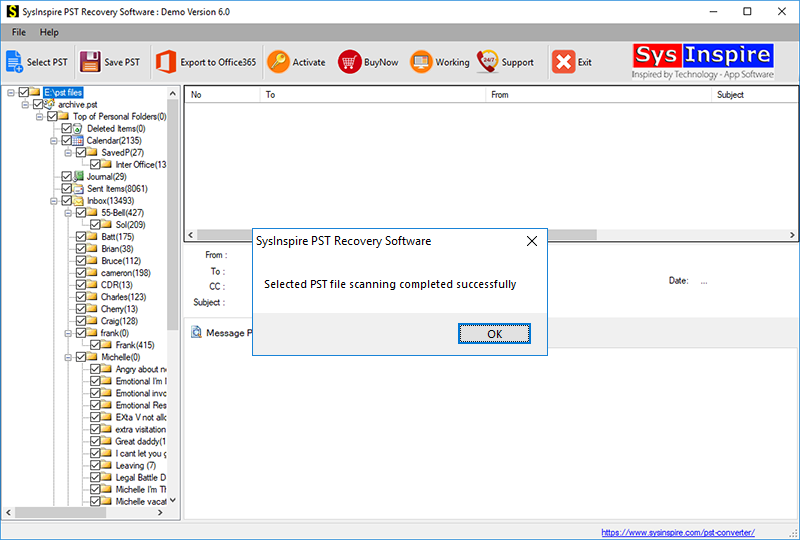
Use the Copy to Clipboard option to copy the recovered password and enter it in the PST file to unlock it.
Frequently Asked Questions (FAQs)
1. Can I recover a forgotten Outlook PST password for free?
Yes, you can use a free PST password recovery tool to recover your forgotten Outlook PST password.
2. Do I need Microsoft Outlook installed to recover a PST password?
No, some third-party PST password recovery tools work without installing Microsoft Outlook.
3. Can I recover passwords from large PST files?
Yes, the mentioned software supports both small and large PST files, including ANSI and Unicode formats.
4. Does PST password recovery affect mailbox data?
No, the recovery process does not modify the internal contents of the PST file.
5. Which Windows versions support PST Password Recovery Software?
The software supports Windows 11, 10, 8.1, 8, 7, and earlier versions.
Conclusion
In this blog, you learn about the automated method to recover a forgotten password of PST files. This method can recover your forgotten and lost password of the PST files in 3 clicks. It is the easiest way to recover forgotten and lost PST file passwords.

