
Introduction
Are you trying to migrate your emails from EML files to Gmail but unable to do so without losing data? Now you can, as this blog introduces an excellent software that allows anyone to easily migrate emails from EML files to Gmail. It also highlights some of the software’s impressive and useful features.
What is an EML file?
The EML file is a standard email format used by email clients such as Windows Live Mail, Thunderbird, Apple Mail, and Outlook Express. It contains an email, including headers, attachments, and formatting. Since Outlook does not directly import EML files into Gmail, a reliable professional conversion tool is required for a safe and accurate migration.
Best Soultion SysInspire EML to Gmail Converter software
The SysInspire EML to Gmail Converter Software offers an excellent solution for converting EML files to Gmail. This software is very easy to use and comes with impressive features that have been utilized by many users. It is user-friendly and suitable for both technical and non-technical users.
Key Features of SysInspire EML to Gmail Converter Software
Convert all emails from your EML/EMLX files to Gmail using advanced technology.
You also have the option to convert your EML files to Yahoo Mail or IMAP servers if desired.
Migrate multiple emails from EML files to Gmail simultaneously without any hassle.
Migrate EML files while preserving all their attributes (such as To, From, BCC, CC, Subject, Date, Message body, etc.).
Any user can download and use the free demo version.
You can run this software on any Windows operating system, including Windows 11, 10, 8.1, 8, 7, XP, Vista, and other versions.
How to use the SysInspire EML to Gmail Converter tool?
Download and install SysInspire EML Converter on your system.
Click the ‘Select EML’ button to select the EML file.
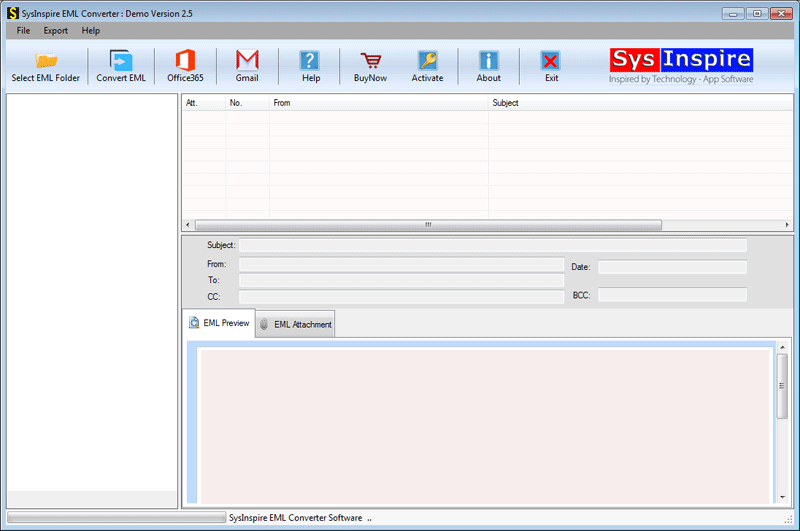
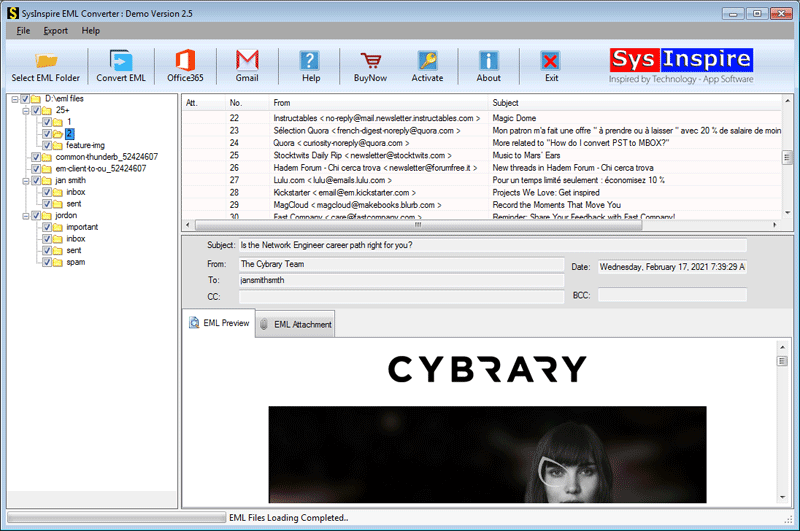
The software now scans the selected EML file and displays all folders and email items.

Select all the necessary email items and proceed to the next step.
In the next window, simply select the export format for the EML file and tap ‘Convert’.

Finally, you will see a confirmation message.
FAQ – (Frequently Asked Questions)
Which email applications support EML file conversion?
Outlook Express, Apple Mail, Windows Live Mail, Thunderbird, and many other email applications support EML files.
What is the benefit of using the demo version of this software?
By using the free demo version of this software, you can convert 25 emails from an EML file to Gmail for free.
Can I convert EML files to Yahoo Mail instead of Gmail?
Yes, apart from Gmail, you can also convert EML files to Yahoo Mail and IMAP, and complete the conversion in just a few steps.
Conclusion
I hope you have read my entire blog post and now understand how to transfer your EML files to Gmail—hassle-free and in just a few simple steps—using the SysInspire EML to Gmail Converter software. So, download and try this tool today!

