
Posted by sysinspire
Posted on: September 7, 2026
Categories: OST Converter, Uncategorized
Reading Time: 4 minutes
Introduction
In this blog, we’ll explain the best way to open an OST file in Outlook 2026 Offline. It explains in detail how to open an OST file in Outlook and its features, making it easy for anyone to understand and use, without any risk of data loss.
What is an OST file?
An OST file enables access to offline folders in Outlook. These files can work seamlessly irrespective of the MS Outlook version you are using, including 2007, 2010, 2013, 2016, 2019, 2021, or earlier versions. However, if an OST file becomes inaccessible, it must be repaired to recover your stored data, such as emails, contacts, calendars, or other items. OST files are capable of storing large amounts of data efficiently.
Open an OST File in Outlook
You can open any OST file in Outlook within minutes without risking damage to your emails by using the SysInspire OST to PST Converter Tool. This tool is packed with user-friendly features that make it easy to purchase, download, and use. Additionally, its services are available 24×7. Try its features now!
Amazing Features of the SysInspire OST to PST Converter Tool:
- Ease of Use: Designed for both technical and non-technical users.
- Multilingual Support: Available in multiple languages, including English and non-English, to accommodate users worldwide.
- Quick Access: Scan and open OST files in Outlook 2016 Offline in a few easy steps.
- Safe and Secure: Tested by experts to ensure risk-free usage.
- Multiple File Formats: Export OST files to various formats such as PST, EML, MSG, EMLX, HTML, and NSF within minutes.
- Cloud Compatibility: Open files in cloud platforms like Gmail, Yahoo Mail, and Office 365.
- User-Friendly Interface: Intuitive and easy to navigate for all users.
- 24×7 Technical Support: Assistance is available anytime you need it.
- Money-Back Guarantee: Comes with a 30-day money-back guarantee—if your OST file fails to open in Outlook, you can claim a refund.
- Windows Compatibility: Compatible with all versions of the Windows operating system.
How to use SysInspire OST to PST Converter Tool?
Download this software from the given link on any of your Windows systems.
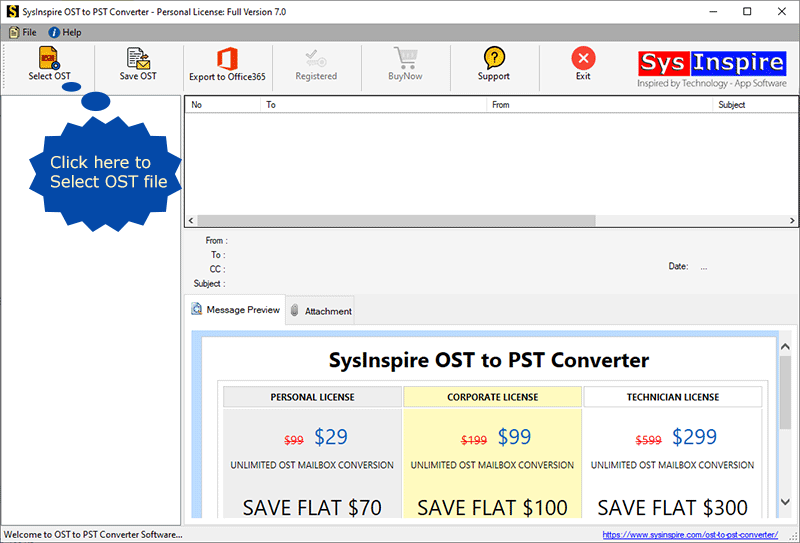
After downloading click on OST button
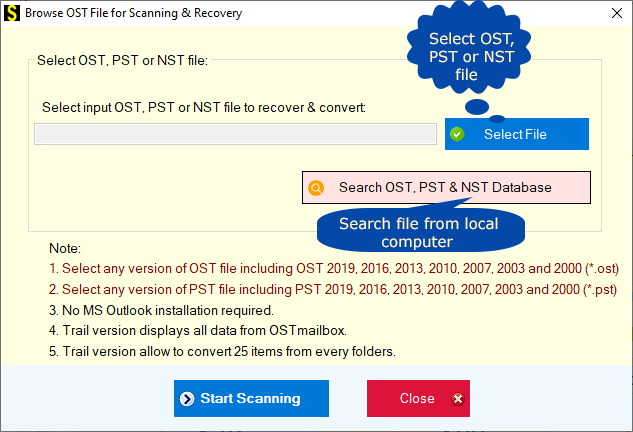
Click on the Select File button and select your OST file to start the further process.
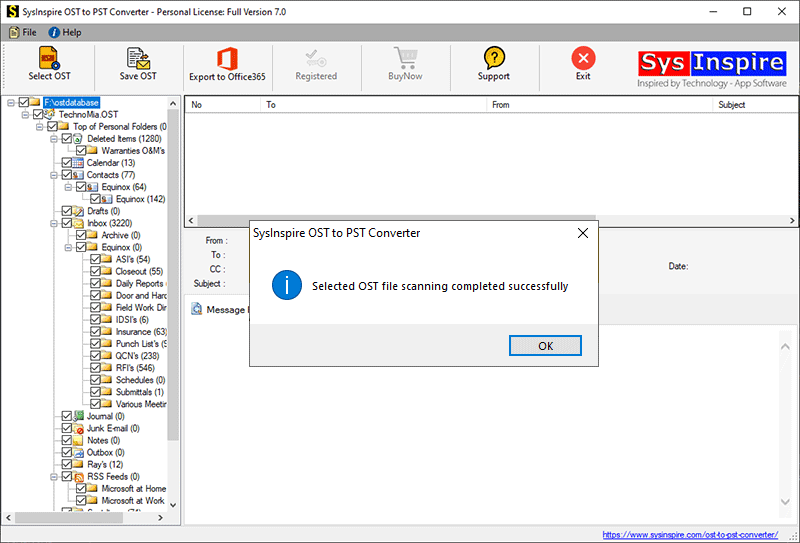
Now select all your emails
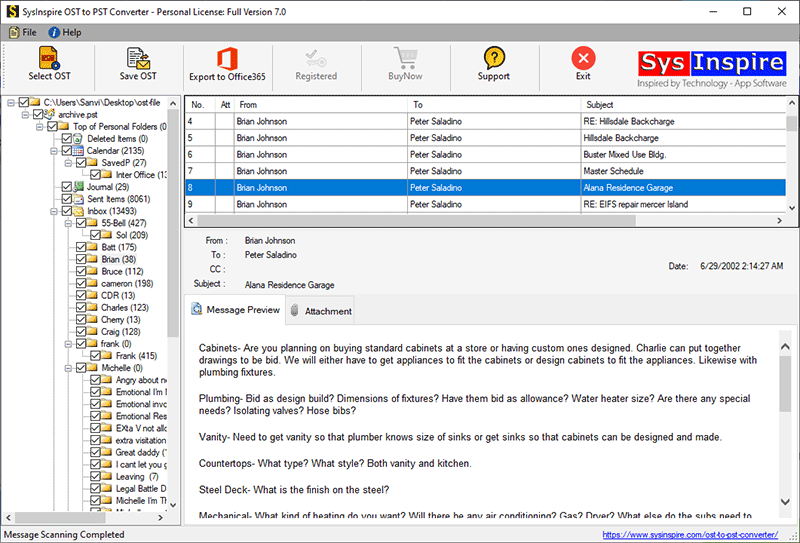
Now select the OST to open it in Outlook
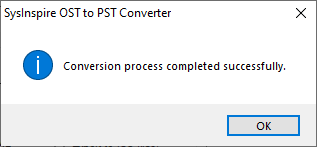
Free Demo Version
To use the free demo, simply download the software to your system. Any user can try the free demo as is. With the demo, you can open up to 25 emails or post files in Outlook in just a few simple steps. Additionally, the demo allows you to check whether the software is working properly before making a purchase.
FAQ – (Frequently Asked Questions)
Is there a demo version available?
Yes, there is a free demo version that allows you to convert 25 items from an OST file to NSF for free.
Can I convert from an OST file to any cloud service?
Yes, using this software, you can convert to Outlook.com, Yahoo Mail, Gmail, and any other cloud-based website.
Will using this software result in any data loss?
No, absolutely not. This software has been thoroughly tested, so there is no risk of data loss.
Conclusion
I hope you have found my blog helpful. If you also want to open an OST file in Outlook 2026 Offline, you can now use the SysInspire OST to PST Converter Tool, which comes with excellent features that are easy for anyone to use. Additionally, this software downloads quickly and is available in multiple languages, making it accessible to all users. A free demo is also available, allowing any user to try it at no cost.

