Do you need to Transfer EML Emails to NSF? There is no manual method available for importing EML files into Lotus Notes. Lotus Notes uses the NSF file format to store emails, contacts, calendars, tasks, notes, etc. To use EML files in Lotus Notes, you need to convert them to NSF format. In this blog, we have described an automated method to convert EML to Lotus Notes NSF.
Overview
EML files store emails with attachments and are supported by email clients like Outlook Express, Thunderbird, Apple Mail, Windows Live Mail, eM client and many more.
NSF files are only supported by Lotus Notes, which IBM and HCL own. NSF files are used to store emails, contacts, calendars, tasks, notes, etc and are only opened in Lotus Notes.
However, Lotus Notes doesn’t support EML files, so there is a need to convert EML files to NSF files to open them in Lotus Notes.
Read, Also
Automated solution to convert/import EML to Lotus Notes NSF
With SysInspire EML to NSF Converter software, you can easily convert EML files to NSF format. Its algorithm is designed and developed in a way that it can safely, securely and fast convert EML files to NSF files.
Key features
- Can convert EML files to NSF files in batch.
- Capable of handling any number of EML files for conversion to NSF files with no file size restriction.
- Add EML files from any email clients like Windows Live Mail, Outlook Express, Apple Mail, eM Client and more.
- For the conversion of EML to NSF, there is a need to install Lotus Notes 9.0 or below on your computer.
- Provides a preview of EML files in the preview panel before conversion.
- Have an option of selecting EML files that are to be converted to NSF files.
- Save converted NSF files at your desired location on your machine.
How to Transfer EML to NSF with this tool?
Download and install SysInspire EML to NSF Converter software on your computer.

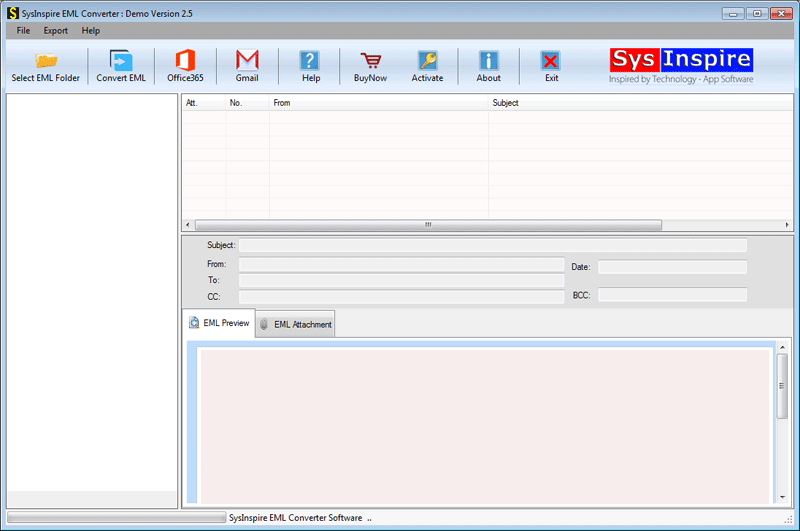
Click on the Select EML folder button on the above menu bar to upload EML files into the software.
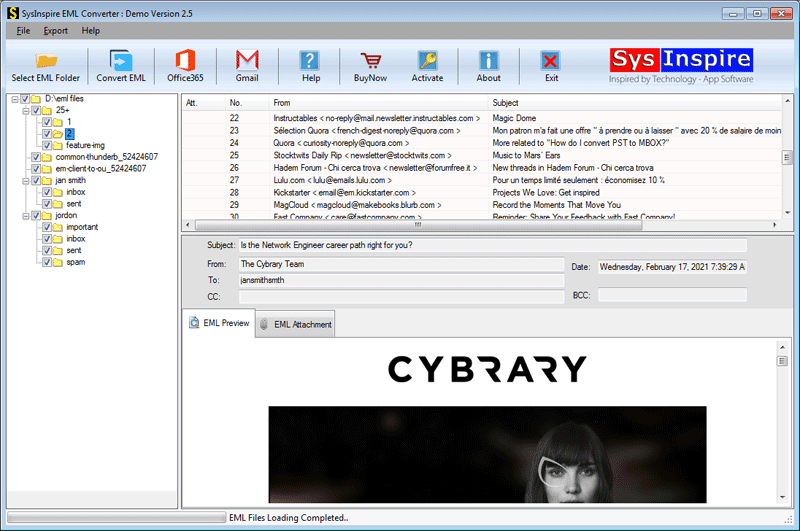
A preview of EML files/ folders and emails is shown in the three-pane panel.

Click on the Convert EML to NSF button on the above menu bar, and a new conversion window will pop up.
Browse the saving location to save NSF files on your computer.
At last, click the Convert button, and the conversion process from EML to NSF files will be started.
Frequently Asked Questions (FAQs)
1. What is an EML to NSF conversion?
It is the process of converting EML email files into NSF format to access them in Lotus Notes.
2. Can I import EML files directly into Lotus Notes?
No, Lotus Notes does not directly support EML files. You need to convert them into NSF format.
3. Which software can convert EML files to NSF?
SysInspire EML to NSF Converter is an automated tool designed to convert EML files into NSF format.
4. Can I convert multiple EML files to NSF at once?
Yes, the software supports batch conversion of multiple EML files into NSF format.
5. Is Lotus Notes installation required for EML to NSF conversion?
Yes, Lotus Notes 9.0 or an earlier version must be installed on your computer for the conversion process.
Conclusion
In this informative guide, we have explored an automated method to Transfer EML Emails to NSF. Generally, there is no manual method available, and the automated SysInspire EML to NSF Converter method directly converts EML files to NSF files with less effort and with greater accuracy. So don’t waste time and get the tool.