
Posted by sysinspire
Posted on: June 2, 2026
Categories: OST Converter, OST to PST
Reading Time: 3 minutes
Do you also want to transfer/export email from OST to PST? Then you are looking for such a software which can export your OST file to PST but you are worried that there should not be any damage to the OST file or data. So today in this blog I have brought a very good working software for you which will solve your problem and give you a 100% result.
Best Way to Transfer OST Files to PST
Yes, any user can now export their OST files to PST format using the provided SysInspire OST to PST Converter Tool. this tool converts OST files to PST within just a few minutes. Furthermore, the software offers several additional features that facilitate the rapid transfer of OST files to PST. A free demo version is also available, allowing users to download and test the software before committing to a purchase. This software is available at a very affordable price and is accessible to everyone.
Excellent Features for Transferring with the SysInspire OST to PST Converter Tool
- This software is available in multiple languages, allowing users to utilize it in any language—whether it be English or any other.
- Using this software poses absolutely no risk, as it has already undergone rigorous testing by human users.
- It is suitable for both technical and non-technical users, and anyone can use it with ease.
- The software initiates the subsequent process only after scanning the OST file, completing the task of “transferring/exporting emails from OST to PST” (blog link) in a few simple steps.
- By using the SysInspire OST to PST Converter Tool, you can export data to any cloud-based platform, such as Yahoo Mail, Gmail, or Office 365.
- It also supports exporting data into various file formats, including PST, EML, MSG, EMLX, HTML, and NSF.
- If, for any reason, you feel that the software is not functioning correctly, you can claim a refund within 30 days; this benefit is provided under the ’30-Day Money-Back Guarantee.’
- It is compatible with all versions of Windows, including Windows 11, 10, 8.1, 8, 7, XP, Vista, and others.
How to use SysInspire OST to PST Converter Tool?
First, download and install SysInspire Convert OST to PST on your device.
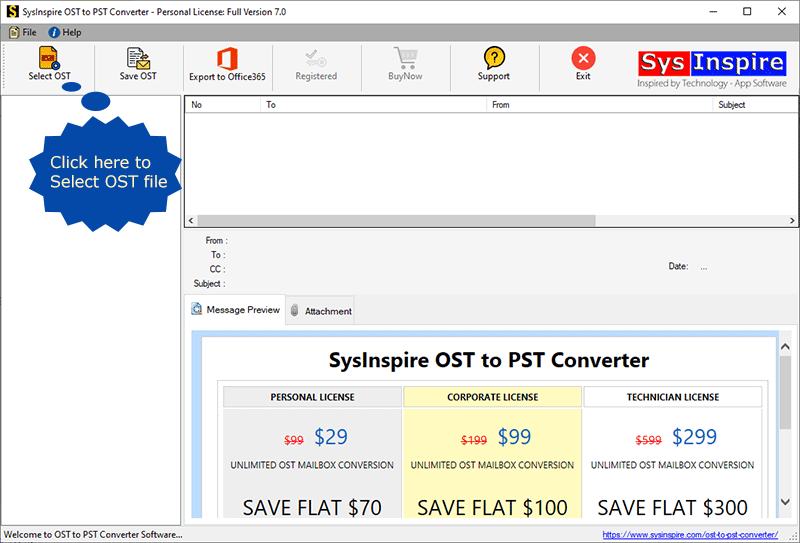
Open the software and press the ‘Select OST’ button from the first screen.

Now, select either ‘Single File’ or ‘Bulk OST File’, and click ‘Next’.
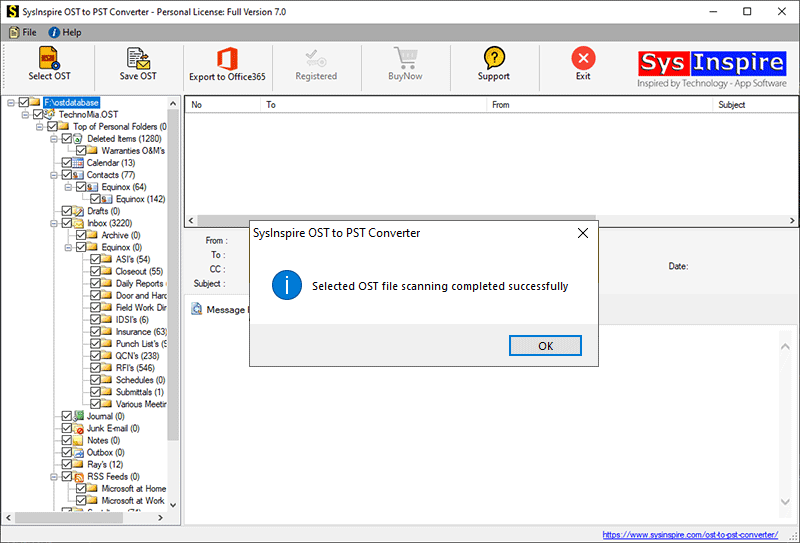
Next, select and add the OST files to the software for the conversion process, and then press the ‘Start Scanning’ button.

Extract the OST files and load all mailbox folders and items into the software.
Select the required folders and press the ‘Save OST’ button from the upper menu bar.
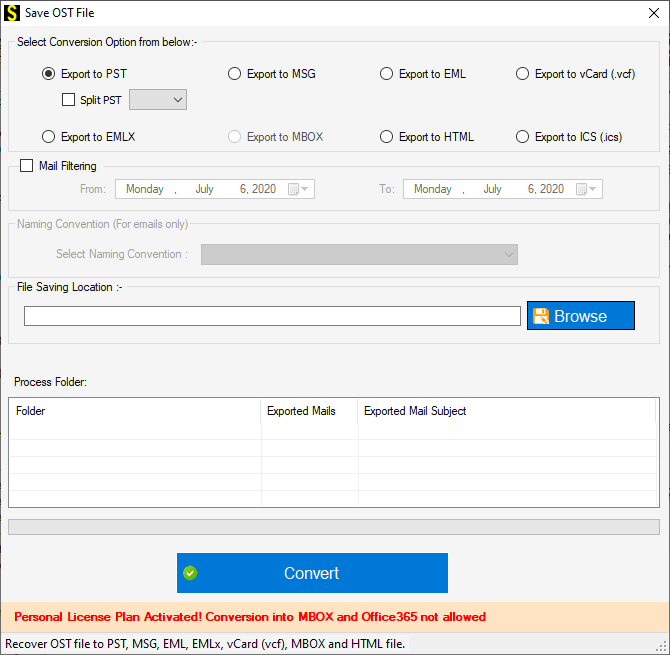
Next, select the ‘Export to PST’ radio button from the list of conversion options.
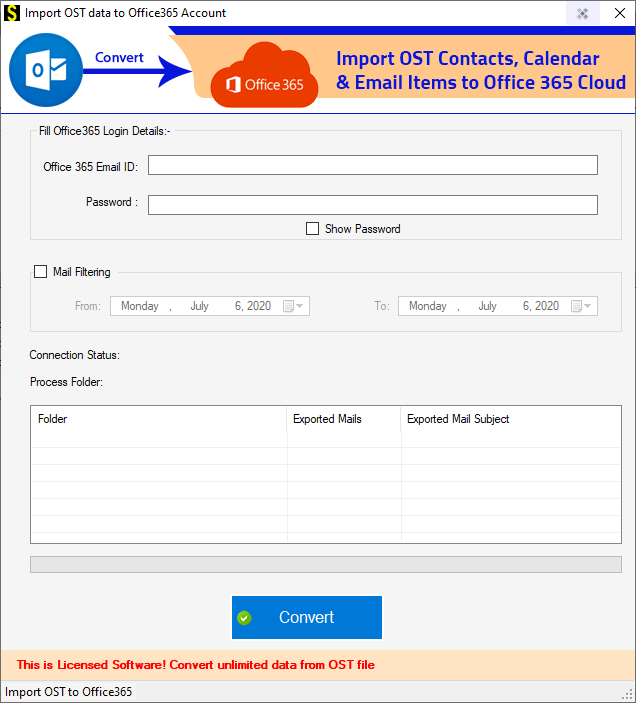
Click the ‘Browse’ button to select a location to save the resulting files.
In the final step, click the ‘Convert’ button to start the OST to PST file conversion process.

Free Demo Version
Any user can download and utilize this software; furthermore, upon downloading it, you can also access its free demo version. By using the free demo, you can transfer up to 25 emails without incurring any cost. Additionally, users gain the assurance—through their experience with the SysInspire OST to PST Converter Tool—that the software functions correctly.
Conclusion
This blog explains how to Transfer OST File Data to Another Outlook Account in just a few steps—without any data loss and with numerous impressive features—using the SysInspire OST to PST Converter tool. So, download this software right now and give it a try.

